[[Karing-singbox内核]]
[[GUIforSingBox-GUI.for.SingBox]]
[[HiddifyNext]]
[[v2rayN]]
[[NekoBox]]-安卓专用
[[OneBox]]
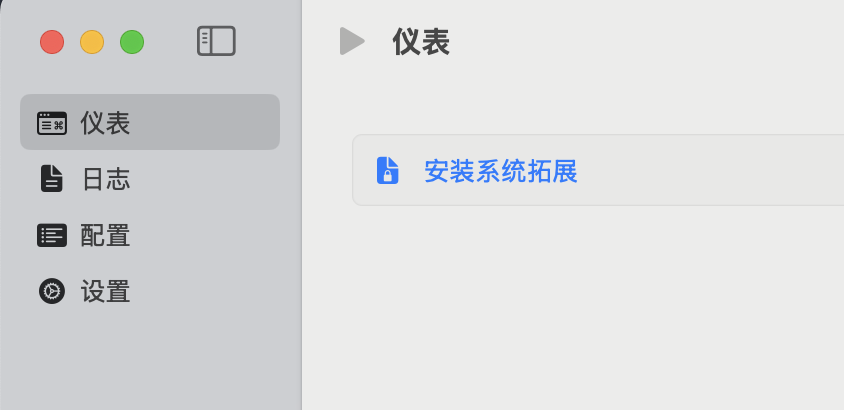
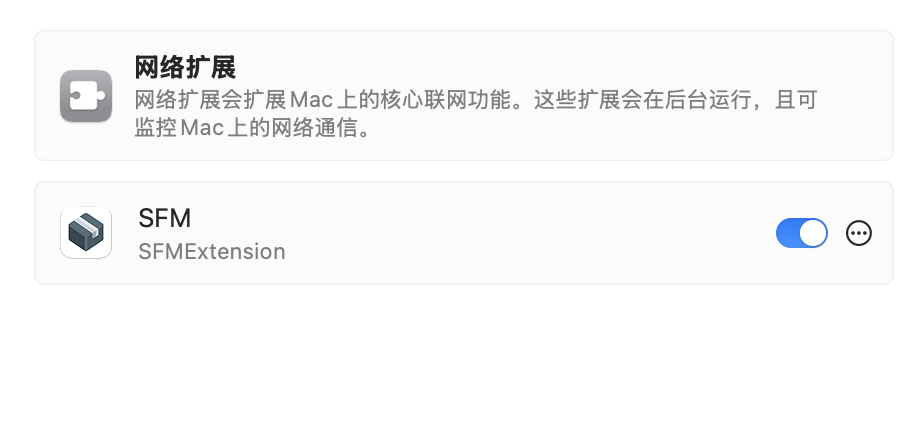
[[SFM]]
[[命令行 sing-box + 自己管理配置]]
mac系统
方法一:
在Mac上,可以通过App Store下载Sing-Box客户端。需要注意的是,下载时需要切换到非中国区的Apple ID
方法二:
访问GitHub页面获取最新版本的安装包,
- 打开[[GUIforSingBox-GUI.for.SingBox]]下载安装图形客户端,这个是第三方的图形客户端,用的人多
- 打开这个链接Releases · SagerNet/sing-box下载
 ]图形客户端,这个是singbox官方自带的图形客户端
 - 打开这个链接Releases · SagerNet/sing-box下载
 ,这个是官方自带的命令行版
方法三:
bew来安装图形客户端,这个安装的singbox官方的图形客户端,非命令行版本
brew install sfm
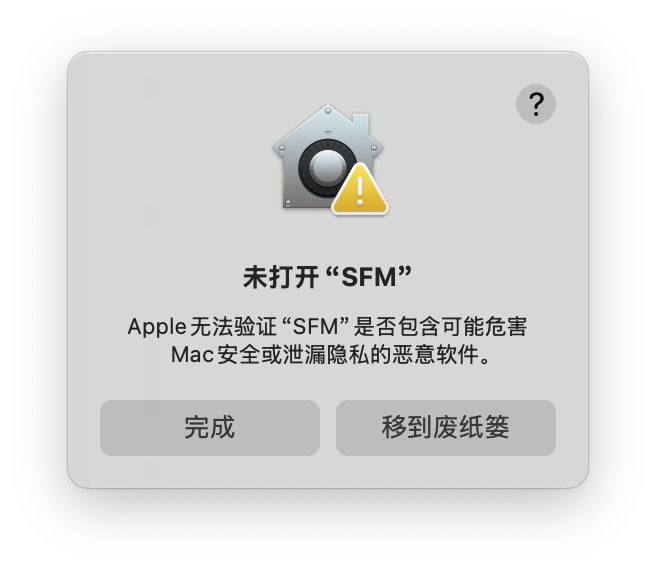
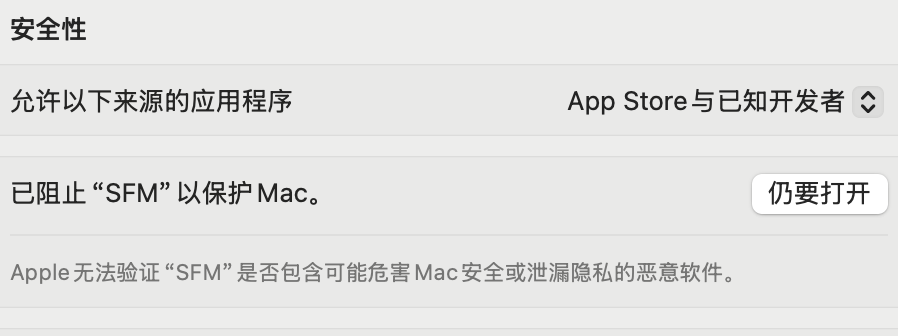
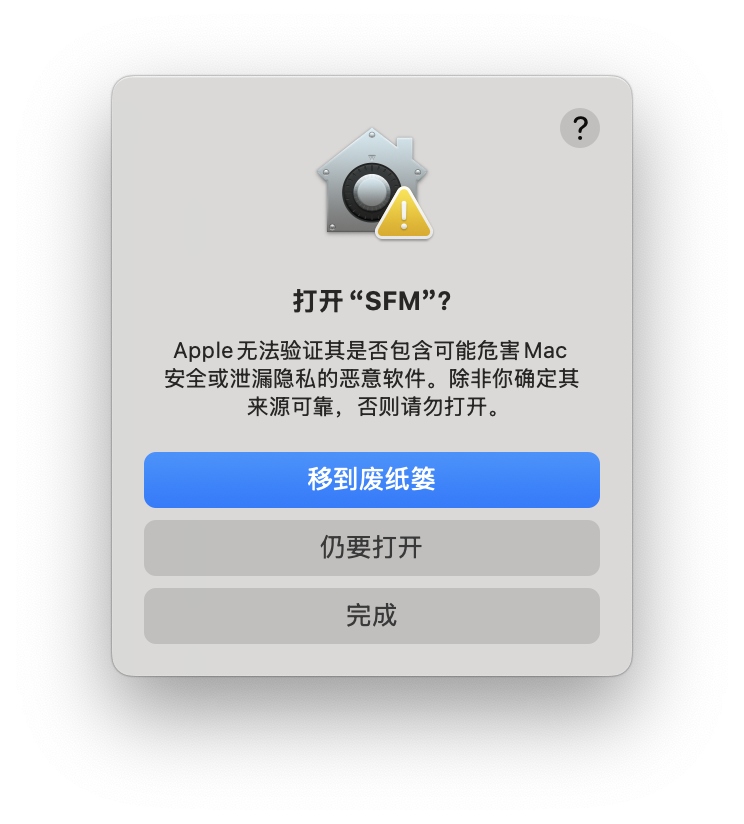
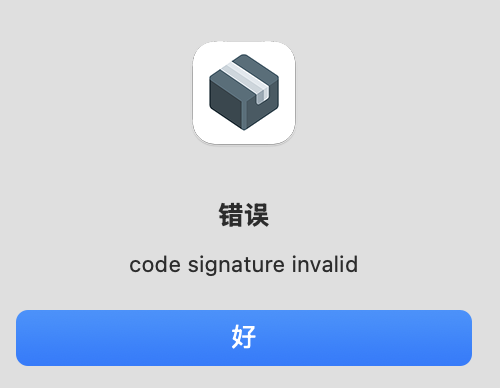
macos中安装客户端时出现”# 已损坏,无法打开。你应该把它移到废纸篓”
解决办法:
sudo xattr -rd com.apple.quarantine /Applications/GUI.for.SingBox.app
windows
- 打开这个链接Releases · GUI-for-Cores/GUI.for.SingBox可以下载安装图形客户端
- 打开这个链接Releases · SagerNet/sing-box下载图形客户端和命令行客户端都有
openwrt
[[homeproxy]]
图形客户端下载,包括windows和macos版本、linux版本的、
Releases · GUI-for-Cores/GUI.for.SingBox
支持sing-box内核的客户端:
- 安卓
- [[NekoBox]]
- SFA-arm64-v8a.apk

- 官方sing-box
- windows-x64平台
- [[nekoray]]
- [v2rayn]
- debian-x64平台
- [[nekoray]]
- mac平台
- appstore搜索下载“sing-box”
- ios平台
- appstore搜索下载“sing-box”
- Apple tvOS
- appstore搜索下载“sing-box”
[[windows7使用sing-box]]